Add the app to your phone
Get quick access to overseas transfer requests right from your home screen — no app store needed.
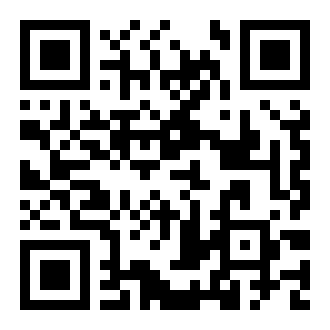
iPhone (iOS)
Android
- Open the app link above in Safari (this only works in Safari, not Chrome or other browsers on iPhone)
- Tap the Share icon at the bottom of the screen (the square with an arrow pointing up)
- Scroll down and tap "Add to Home Screen"
- Tap "Add" in the top right
- Open the app link above in Chrome
- You should see a banner appear saying "Add Drivision Overseas to Home screen" — tap it
- If no banner appears, tap the ⋮ menu (top right) and select "Install app" or "Add to Home screen"
- Confirm by tapping "Install"